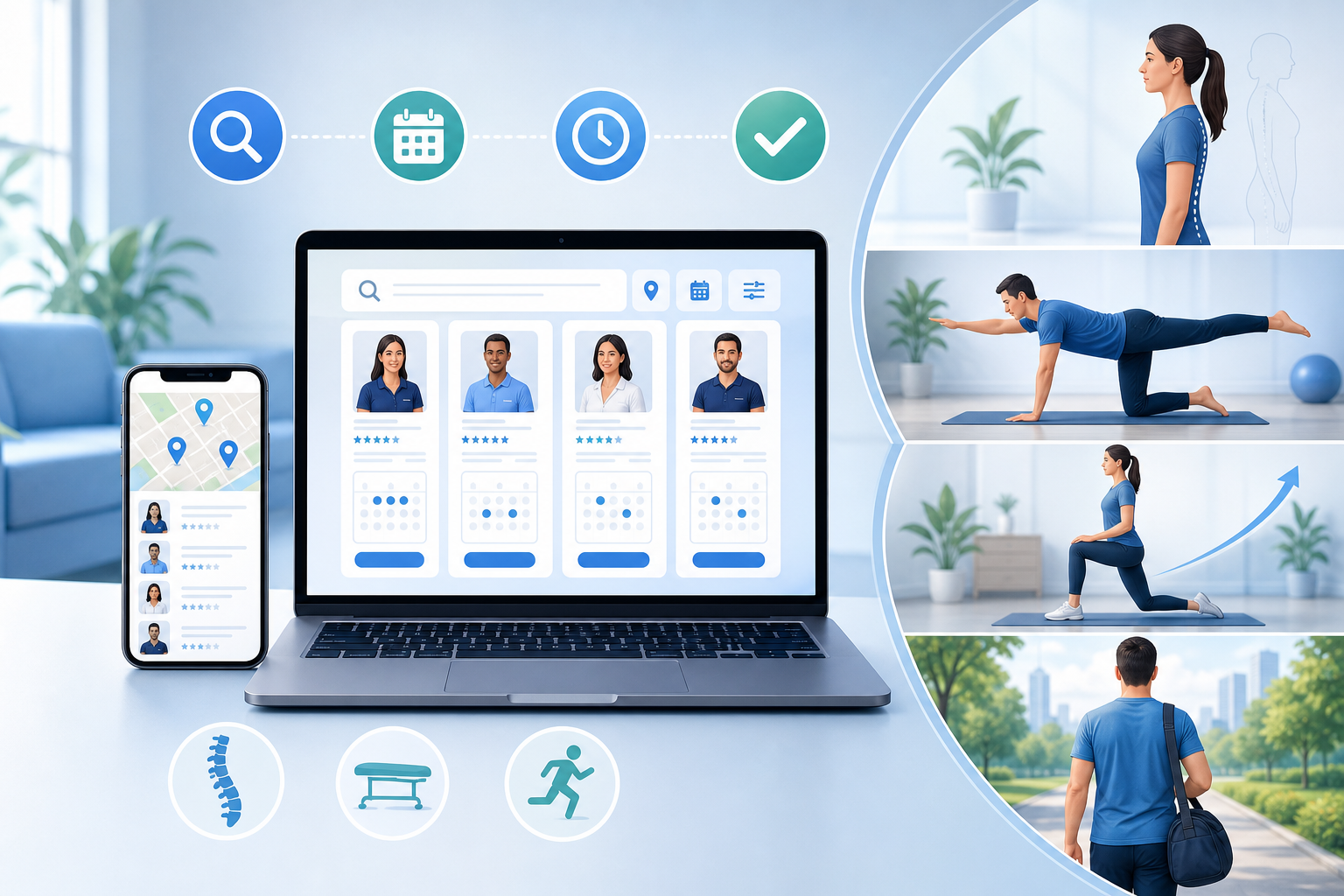
You can book a doctor appointment online in under five minutes — no hold music, no callback windows, no playing phone tag with a front desk. Most practices now offer direct online scheduling, and directory platforms like Medximity let you search, compare, and book conservative care providers — chiropractors, physical therapists, and wellness specialists — without ever picking up the phone.
Why Online Appointment Booking Has Replaced the Phone Call
Practices switched to online scheduling because it reduces no-shows by up to 29% and cuts front-desk call volume significantly. For patients, the benefit is access: you can book at 11 PM, review provider credentials before committing, and receive automated reminders without relying on staff availability.
Wondering why do doctors use online scheduling now? The short answer is efficiency. A single staff member can only handle one call at a time. An online booking system handles unlimited simultaneous requests, captures insurance information automatically, and syncs directly with the provider's calendar.
- Online booking is available 24/7 — no office hours required
- New patient intake forms can be completed before arrival, reducing wait times
- Automated reminders via text or email reduce missed appointments
- Patients can compare providers, read reviews, and verify credentials in one place
For chiropractic and physical therapy specifically, this matters more than in primary care. These are repeat-visit specialties — patients typically attend 6–12 sessions over 4–8 weeks. Getting the right provider match upfront saves time and delivers better outcomes.
What Information Do You Need to Book a Doctor Appointment?
Before you open a booking page, gather these items. Missing one can stall the process mid-booking or delay your first visit.
Required for Most Bookings
- Insurance card — carrier name, member ID, and group number
- Primary care provider name — some specialists require a referral on file
- Date of birth and legal name — must match insurance records exactly
- Chief complaint — a one-sentence description of your main symptom (e.g., "lower back pain radiating into the left leg for 3 weeks")
- Pharmacy information — if the provider may recommend supplements or refer out
For Chiropractic or Physical Therapy Appointments
- Any recent imaging — X-ray, MRI, or CT reports if you have them
- Date of injury or symptom onset
- Prior treatment history (what has or hasn't worked)
- Auto accident or workers' compensation case number, if applicable
If you're preparing for a chiropractic visit specifically, the frequency guide for chiropractic appointments explains what providers typically assess at intake and how they structure a care plan from the first visit forward.
How to Find the Right Provider for Your Symptoms
Specialty matching is the step most patients skip — and it's the one that determines whether you get better. Knowing how to find the right doctor for your symptoms means understanding which provider type is trained for your specific condition.
Symptom / Condition Best Provider Type Why Neck pain, headaches, upper back stiffness Chiropractor (upper cervical specialist) Trained in cervical spine manipulation and soft tissue work; see upper cervical chiropractic for headaches Post-injury rehabilitation, post-surgical PT Physical Therapist Functional movement restoration, progressive loading protocols Chronic lower back pain, sciatica Chiropractor or PT Spinal manipulation, McKenzie method, or lumbar stabilization depending on presentation Occipital headaches, base-of-skull pain Chiropractor (occipital neuralgia specialist) Targets the greater and lesser occipital nerves; see occipital neuralgia chiropractic care Auto accident recovery Chiropractor or rehab specialist Whiplash, cervical strain, and soft tissue injury management Chronic pain with systemic condition (lupus, MS) Chiropractor with integrative experience Adjunctive pain management without pharmacological interventionUse the Medximity provider search to filter by specialty, location, and condition focus before you book.
Step-by-Step: How to Schedule a Doctor Appointment Online
This process applies whether you're booking a new patient appointment through a practice website or a directory platform. How to book a new patient appointment online follows the same core steps regardless of the system used.
- Search by specialty and location. Use a directory like Medximity or the practice's website directly. Filter by insurance accepted, specialty, and patient reviews.
- Review the provider profile. Check credentials, conditions treated, and whether they accept new patients. For chiropractic, look for technique specialization (Diversified, Gonstead, Activator, etc.).
- Select appointment type. New patient visits are typically 45–60 minutes. Follow-up visits run 15–30 minutes. Telehealth slots are usually shorter.
- Choose a date and time. Most systems show real-time availability. If nothing works within 5 days, see the waitlist tips below.
- Enter patient information. Full legal name, date of birth, contact details, and insurance information. Double-check spelling — mismatches cause claim rejections.
- Complete intake forms online. Many practices send digital paperwork immediately after booking. Complete it before your visit — it saves 15–20 minutes at the front desk and allows the provider to review your history in advance.
- Confirm and save the appointment details. Screenshot or add to your calendar. Note the cancellation policy — most practices require 24–48 hours notice.
What to Expect After You Book a Doctor Appointment
Booking confirmation arrives via email or text within minutes. What happens next depends on whether you're a new or returning patient.
New Patients
Expect a digital intake packet within 24 hours — health history, consent forms, and insurance verification. Complete these before your visit. Some practices will call to verify insurance eligibility, particularly for chiropractic or PT where visit frequency affects coverage limits.
Your first appointment will include a full history, physical examination, and typically a postural or movement assessment. For neck and back conditions, providers often order X-rays at the first visit. Read what to expect at your first pain management appointment for a detailed walkthrough of the intake process.
Returning Patients
Confirmation is usually all you receive. If your condition has changed significantly since your last visit, call the practice directly — a returning patient slot may not allow enough time for a re-evaluation.
Tips for Getting an Earlier Appointment
If you need to book a same-day doctor appointment online near me or want to know how to get an earlier doctor appointment, these strategies consistently work:
- Call directly after booking online. Ask to be placed on the cancellation list. Practices fill same-day cancellations by phone before updating their online calendar.
- Book the first slot of the day or right after lunch. These are least likely to run behind and most likely to have last-minute openings.
- Check the calendar daily. Online systems update in real time as cancellations occur. Checking at 8 AM and 4 PM catches most openings.
- Ask about new patient specials. Some chiropractic and PT practices hold specific new patient slots that don't appear in the general calendar.
- Search multiple providers. Using a directory search for a chiropractor near you lets you compare availability across multiple practices simultaneously rather than checking one at a time.
When to Book In-Person vs. Telehealth
The telehealth appointment vs. in-office visit question has a straightforward answer for musculoskeletal care: if your condition requires hands-on treatment, telehealth is not a substitute. Online doctor booking vs. in-person visit decisions should be based on what the appointment actually needs to accomplish.
Situation In-Person Telehealth First visit for back or neck pain Required — physical exam needed Not appropriate for initial assessment Chiropractic adjustment Always in-person Not possible remotely Exercise instruction / home program review Optional Effective via video Follow-up progress check (no hands-on needed) Optional Efficient and appropriate Acute injury (severe pain, numbness, weakness) Required — may need urgent in-person evaluation Not appropriate Wellness consultation, nutrition, lifestyle Optional Fully appropriateRed flag symptoms requiring urgent in-person or emergency care: sudden loss of bladder or bowel control, progressive leg weakness, numbness in the groin or inner thighs (saddle anesthesia), or severe headache with neck stiffness and fever. These are not telehealth situations — seek same-day evaluation.
What to Do Next
If you have neck pain, back pain, headaches, or a musculoskeletal condition, start with a chiropractor or physical therapist — not a general practitioner who may not specialize in conservative care. Use the Medximity directory to find providers who treat your specific condition, verify insurance, and offer online booking.
- Routine care: Book online now, complete intake forms before arrival, plan for a 45–60 minute first visit
- Urgent but not emergency: Call the practice directly after booking online and request the cancellation list
- Emergency symptoms (loss of limb function, saddle anesthesia, severe neurological changes): Go to an emergency department — do not wait for an appointment
Browse providers on Medximity to find a chiropractor, physical therapist, or wellness specialist with availability near you. Profiles include accepted insurance, patient reviews, specialty focus, and direct booking links — everything you need to get scheduled today.
Frequently Asked Questions About Booking a Doctor Appointment Online
Is it safe to book a doctor appointment online?
Yes. Reputable booking platforms and practice websites use encrypted connections (HTTPS) and HIPAA-compliant systems to protect your personal and insurance information. Look for a privacy policy on any booking page before entering details. Avoid booking through informal channels like social media DMs.
Can I book a doctor appointment without insurance online?
Yes. Many chiropractic and physical therapy practices accept self-pay patients and list their cash rates openly. When booking, select "self-pay" or "uninsured" as your coverage type. Some practices offer discounted new patient packages for self-pay patients — ask when confirming your appointment.
What information do I need to book a doctor appointment online?
At minimum: your legal name, date of birth, contact information, insurance card details (carrier, member ID, group number), and a brief description of your chief complaint. For chiropractic or PT, also have any relevant imaging reports and your injury date if applicable.
How do I get an earlier doctor appointment if nothing is available?
Call the practice directly and ask to be added to the cancellation list. Check the online calendar daily — cancellations update in real time. Searching across multiple providers on a directory like Medximity lets you compare availability simultaneously rather than checking one practice at a time.
Can I book a chiropractic or physical therapy appointment online the same day?
Same-day availability varies by practice and demand. Practices with online scheduling often hold a small number of same-day slots that release each morning. Calling directly after checking online gives you the best chance — front desks can book cancellations that haven't yet been updated in the system.
What is the difference between booking through a directory vs. directly through a practice?
A directory like Medximity lets you compare multiple providers by specialty, location, insurance, and reviews before committing. Direct practice booking is faster if you already know who you want to see. For new patients who are still deciding on a provider, starting with a directory search saves time and improves the match.